A business website can attract relevant visitors and still lose enquiries at the last step: the contact form. This practical audit is for Finland-based service businesses that want to check whether their enquiry forms are easy to complete, reliable, accessible and measurable. It is not a claim that every form should be shorter or that any one layout guarantees more leads.
Start with a real submission. Open the page on a phone, complete the form as a prospective customer would, and verify that the message reaches the correct inbox or CRM. Repeat with an invalid field, a slow connection and a keyboard-only journey. A form that looks attractive but fails to deliver a lead is not functioning as a conversion path.
Why form audits matter before spending more on SEO
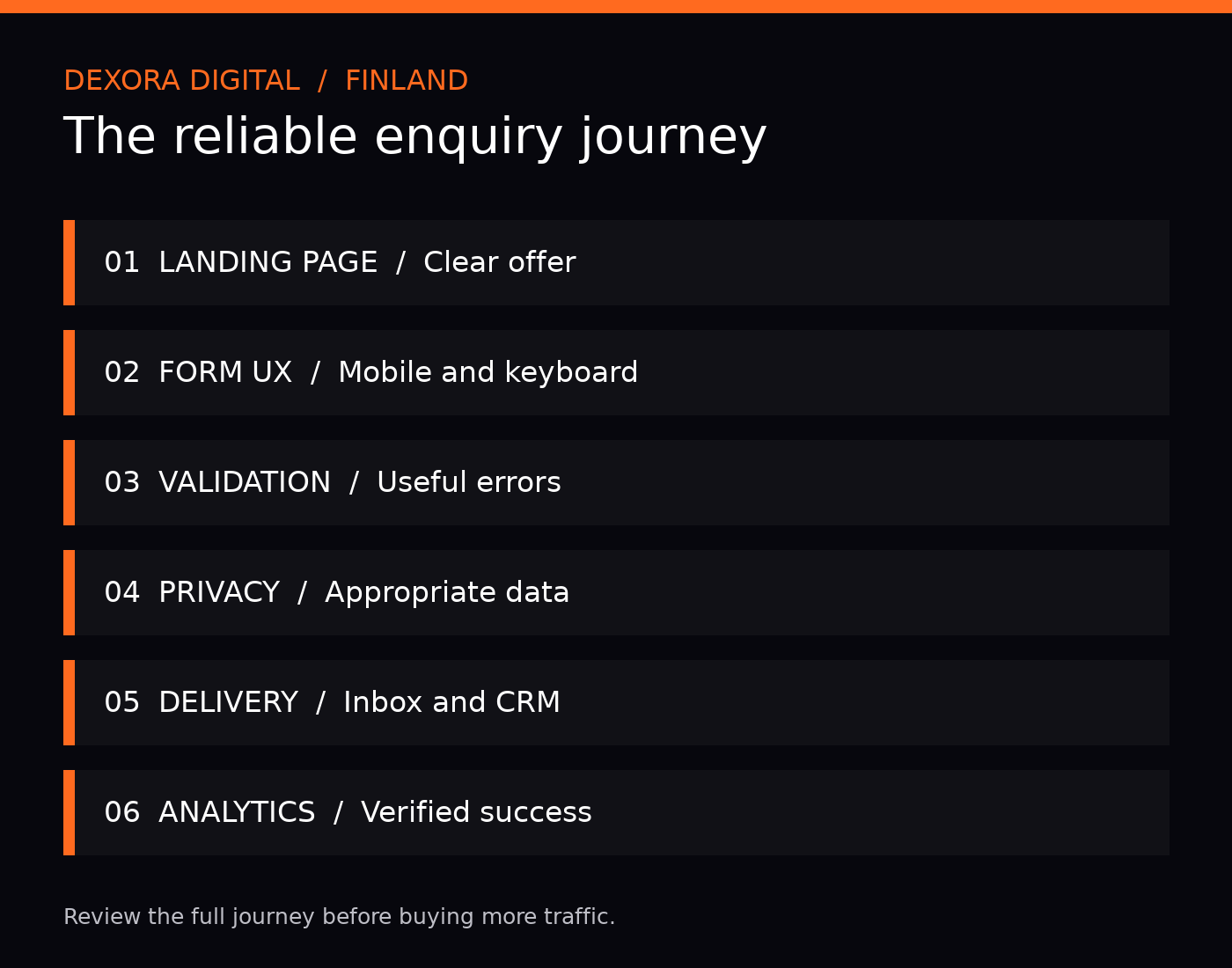
Search visibility and conversion quality are connected business decisions, but they measure different things. Organic sessions describe discovery; qualified enquiries describe a step toward revenue. If visitors can find a service page but cannot submit a request, buying more traffic may amplify an existing problem. Review the entire journey from the search landing page through the form confirmation and follow-up.
For a broader diagnosis, read our website traffic but no leads guide. For event measurement, use our qualified lead tracking guide.
1. Test the form on real devices and input methods
Check a narrow mobile screen and a desktop browser. Confirm that field labels remain visible, the submit button does not sit behind a sticky banner, the keyboard does not obscure required fields, and errors appear beside the relevant field. Test tab order, focus visibility and the ability to submit without a mouse. Avoid using placeholder text as the only field label.
Also inspect the confirmation state. After submission, visitors should know whether the request was received, what happens next and whether they need to do anything else. Do not promise a response deadline unless the team can consistently meet it.
2. Ask only for information needed at this stage
A discovery enquiry often needs a name, a working reply channel and enough context to route the request. A detailed procurement form may reasonably require more fields. Decide based on the service and sales process, not a universal rule that fewer fields always convert better.
| Field | Why it may be useful | Audit question |
|---|---|---|
| Name | Personalize the reply | Do you need a full legal name yet? |
| Email or phone | Respond to the enquiry | Is one contact method sufficient? |
| Service interest | Route to the right specialist | Can visitors choose a clear option? |
| Project details | Understand the request | Is a short open-text field enough? |
| Budget or timeline | Prioritize complex projects | Is it necessary before the first conversation? |
For Finnish B2B buyers, a company name can be helpful, but requiring one can exclude sole traders and people still exploring an idea. Explain why sensitive or unusual information is requested.
3. Make errors actionable
Use specific feedback such as “Enter an email address in the format name@example.com,” rather than “Something went wrong.” Preserve completed fields when validation fails. Distinguish a missing required field from a server delivery failure. If spam protection blocks a legitimate visitor, provide an alternative contact route.
Check server-side validation and abuse prevention, not just JavaScript. A form must not expose personal details in publicly cached pages, analytics URLs or client-side logs.
4. Check privacy and consent in the Finnish context
For businesses operating in Finland, privacy requirements should be evaluated against the actual data collected and the purposes of processing. A contact form used to respond to a requested enquiry is not automatically the same as consent for promotional emails. Provide an accessible privacy notice, avoid pre-ticked marketing consent, and have a qualified adviser review your specific legal basis and retention practices where needed.
Useful primary references include the Finnish Data Protection Ombudsman and the European Commission’s data protection resources. This article is operational guidance, not legal advice.
5. Verify email, CRM and lead routing
Submit a test enquiry using a clearly marked test identity. Check whether the form sends to the intended mailbox, whether the reply-to address works, and whether the CRM creates one record rather than duplicates. Verify assignment rules, spam filtering and alerts when integrations fail. Do not assume an on-screen success message proves delivery.
Where a team uses automation, define which enquiries can receive automatic acknowledgements and which require human review. See our lead follow-up automation guide and AI agent readiness checklist.
6. Measure useful conversions, not button clicks alone
A click on “Send” is not proof of a successful enquiry. Track a verified success event after server acceptance or confirmed success response, and reconcile it periodically with actual CRM or inbox records. Record the landing page and campaign context where consent and technical implementation permit. Avoid sending names, emails or message contents as analytics event parameters.
Consider a simple reporting chain: organic landing page → form started → form successfully submitted → valid enquiry → sales-qualified lead → customer. The intermediate stages reveal whether the problem is discovery, UX, spam, follow-up or qualification.
7. Prioritize fixes by impact and confidence
| Finding | Priority | Recommended action |
|---|---|---|
| Successful submissions never reach the team | Critical | Fix delivery and retest immediately |
| Mobile submit control is inaccessible | High | Repair layout and keyboard interaction |
| Form completion not recorded correctly | High | Implement verified success events |
| Unnecessary mandatory fields | Medium | Test a simpler version with sales input |
| Confirmation message lacks next steps | Medium | Explain the expected follow-up clearly |
When traffic is low, prioritize usability reviews and direct observation over declaring an A/B test winner from a tiny sample. For higher-volume forms, define a primary success metric and a reasonable testing period before comparing variants.
8. Build a repeatable monthly quality check
Assign an owner to test the most important form at least monthly and after major plugin, theme or CRM changes. Record the test date, device, URL, expected destination, delivery outcome and follow-up time. Keep a short change log so a sudden decline can be traced to a release. Add checks for confirmation pages accidentally indexed by search engines and for broken links to the privacy policy.
Frequently asked questions
How many fields should a B2B enquiry form have?
There is no universal number. Start with the minimum needed to respond and qualify the request, then test whether extra fields improve sales efficiency enough to justify any additional friction.
Should a contact form have a separate thank-you page?
Either a clear inline confirmation or a dedicated page can work. A dedicated page may simplify measurement, but protect it from unnecessary indexing and ensure it cannot be mistaken for proof of a submission without verification.
Why does GA4 show more conversions than our CRM?
Common explanations include counting button clicks instead of success, duplicate event firing, spam, consent differences and attribution settings. Compare event definitions and real submissions before drawing conclusions.
Does adding an AI chatbot replace the contact form?
No. Chat can help visitors clarify needs, but it should provide a reliable human contact option, a clear handoff and appropriate privacy safeguards.
Can SEO alone fix poor lead quality?
SEO can improve the match between search intent and landing pages. Qualification, page clarity, forms and sales follow-up still influence whether visits become useful opportunities.
Next step: audit the complete lead journey
Review the service-page promise, form interaction, delivery, CRM routing and conversion measurement together. Dexora Digital supports businesses across Finland with SEO, technical SEO and conversion-focused website improvements. Request a website audit to identify the most useful next actions, or contact the team about a specific enquiry-flow problem.