
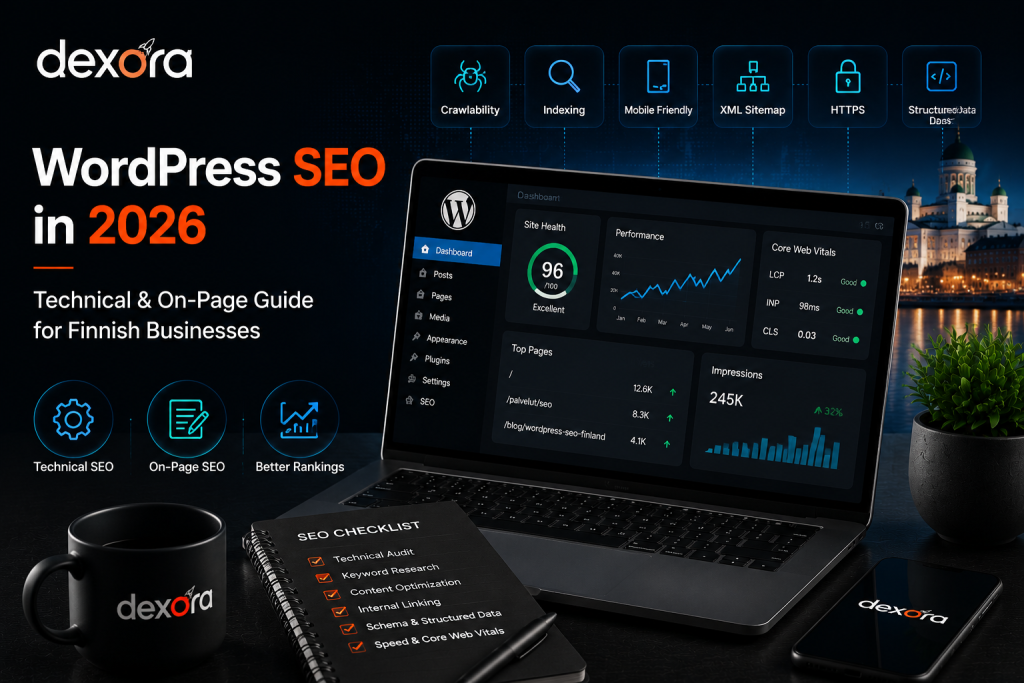
WordPress gives Finnish businesses a flexible platform for building service pages, publishing content and growing through organic search. But installing WordPress and adding an SEO plugin does not automatically make a website search-friendly.
Effective WordPress SEO Finland requires several parts of a website to work together. Search engines need to crawl and understand important pages, users need a fast and accessible experience, and the website needs a clear structure that connects informational content with commercially important pages.
For Finnish businesses, there is also an important market consideration. A local company, ecommerce store, professional-services firm and B2B organisation may all use WordPress, but their customers search differently. Their SEO priorities should therefore be based on business goals and search intent rather than a standard plugin checklist.
The objective is simple: make the website technically accessible, make the content genuinely useful, and make it easy for qualified visitors to become customers.
What Is WordPress SEO for Finnish Businesses?
WordPress SEO is the process of improving a WordPress website so search engines can discover, crawl, understand and index its important pages while visitors can easily find the information they need.
It combines technical SEO, on-page optimisation, content structure, internal linking, performance, structured data, search intent and conversion optimisation.
A technically strong website gives search engines a reliable foundation. Useful content explains the business and answers customer questions. Internal links connect those resources and help users move naturally toward relevant services.
For businesses that want to understand the broader role of SEO beyond WordPress settings, Dexora’s practical SEO guide for businesses in Finland provides the wider search-engine context.
WordPress Is SEO-Friendly, But Not Automatically Optimised
WordPress provides control over URLs, content, headings, images and many technical settings. However, the final SEO quality depends on the theme, plugins, hosting, configuration and content architecture.
A website can therefore have an SEO plugin installed and still suffer from indexing problems, duplicate URLs, weak internal linking, poor performance or badly structured content.
Focus on Pages That Matter
Not every URL on a WordPress website deserves the same level of optimisation.For most businesses, the homepage, core service pages, important location pages, product or category pages and high-value articles should receive priority.
This is why WordPress optimisation should ultimately support the business’s broader Search Engine Optimization service rather than becoming a collection of isolated plugin settings.
WordPress SEO Setup: What to Check First
Before publishing a large amount of content, establish a clean technical foundation. A single WordPress configuration problem can affect a large part of the website.
Check Search Engine Visibility
Open the WordPress reading settings and make sure the website is not configured to discourage search engines from indexing it.
This setting is useful while a site is under development, but leaving it enabled after launch can prevent important pages from appearing in search.
If a previously visible website suddenly loses organic visibility, this is one of the first settings worth checking.
Use Clean Permalinks
WordPress URLs should be readable, descriptive and stable.
For example:
/blog/wordpress-seo-finland/
communicates the subject clearly.
A URL such as:
/?p=123
does not provide meaningful context.
Avoid unnecessary parameters and avoid repeatedly changing established URLs. A URL change can affect existing rankings, backlinks and internal links if redirects are not handled correctly.
Keep HTTPS Consistent
The production website should use HTTPS consistently.Check that HTTP versions redirect to the preferred secure version and that internal links do not unnecessarily point to insecure URLs.
HTTPS is particularly important for businesses collecting contact information, accepting bookings or processing ecommerce transactions.
Use One Primary SEO Plugin
WordPress users have several established SEO plugin options.The important principle is not choosing the plugin with the longest feature list. The important principle is avoiding overlapping systems.
If two plugins attempt to control the same titles, canonicals, XML sitemaps, robots settings or structured data, conflicts can occur.
Connect Google Search Console
Google Search Console should be part of the initial SEO setup.It can show search queries, impressions, clicks, indexing information and page-performance signals.
For a Finnish business, this data can also reveal whether the website is attracting Finnish-language searches, English searches, branded queries, service searches or location-based searches.
Technical SEO for WordPress Websites
Technical SEO provides the infrastructure that allows search engines to access and understand the website.
Important areas include crawlability, indexability, XML sitemaps, robots.txt, canonical URLs, redirects, page performance, mobile usability, structured data and internal linking.
XML Sitemap
An XML sitemap helps search engines discover important URLs.It should contain pages that the website actually wants indexed rather than every URL WordPress can generate.
Check the sitemap for:
- deleted URLs
- 404 pages
- redirected URLs
- noindex pages
- duplicate URLs
- unnecessary archives
Submitting a sitemap helps discovery, but it does not guarantee that every submitted URL will be indexed.
Robots.txt
Robots.txt controls crawler access to parts of the website.It should not be treated as a security mechanism. Sensitive information requires proper application and server-level protection.
Also check that important CSS, JavaScript and other resources are not accidentally blocked.
Canonical URLs
Canonical tags help search engines identify the preferred version of similar or duplicate URLs.WordPress can create URL variations through categories, archives, parameters and other structures.
Important indexable pages should have logical canonical signals pointing toward their preferred versions.
Redirects
When an established WordPress URL changes, the old URL should normally redirect directly to the most relevant replacement.
Avoid unnecessary chains such as:
Old URL → temporary URL → new URL
A direct redirect is cleaner.Before changing established URLs, consider existing rankings, backlinks and internal links.
Dexora’s verified Technical SEO Checklist 2026 provides a broader framework for checking crawlability, indexing, redirects, performance and other technical foundations.
WordPress On-Page SEO: Make Every Page Clear
Technical SEO makes pages accessible. On-page SEO helps search engines and visitors understand what each page is actually about.
Write Useful Title Tags
Every important page should have a unique title that accurately describes its topic.
For this article:
WordPress SEO Finland: Technical & On-Page Guide 2026
is clearer than a generic title such as:
Home | Business Name
The title should represent the content rather than simply repeating the target keyword.
Use a Logical Heading Structure
Use one clear H1 for the main topic.Then organise supporting subjects with H2 and H3 headings.
Headings should explain the information hierarchy rather than simply being used to change font size.
Match Content to Search Intent
Someone searching for “WordPress SEO Finland” may be looking for information about technical setup, indexing, website speed, internal links, content, plugins or ongoing maintenance.
The article should therefore answer those questions directly.
Repeating the focus keyword does not make an article comprehensive. Covering the actual problems behind the search does.
Optimise Images
Large images are a common source of unnecessary WordPress page weight.
Use appropriately sized images and modern formats such as WebP or AVIF where suitable.
Use descriptive filenames and useful alt text when an image provides meaningful information.
Alt text should describe the image rather than becoming a list of keywords.
Improve WordPress Speed and Core Web Vitals
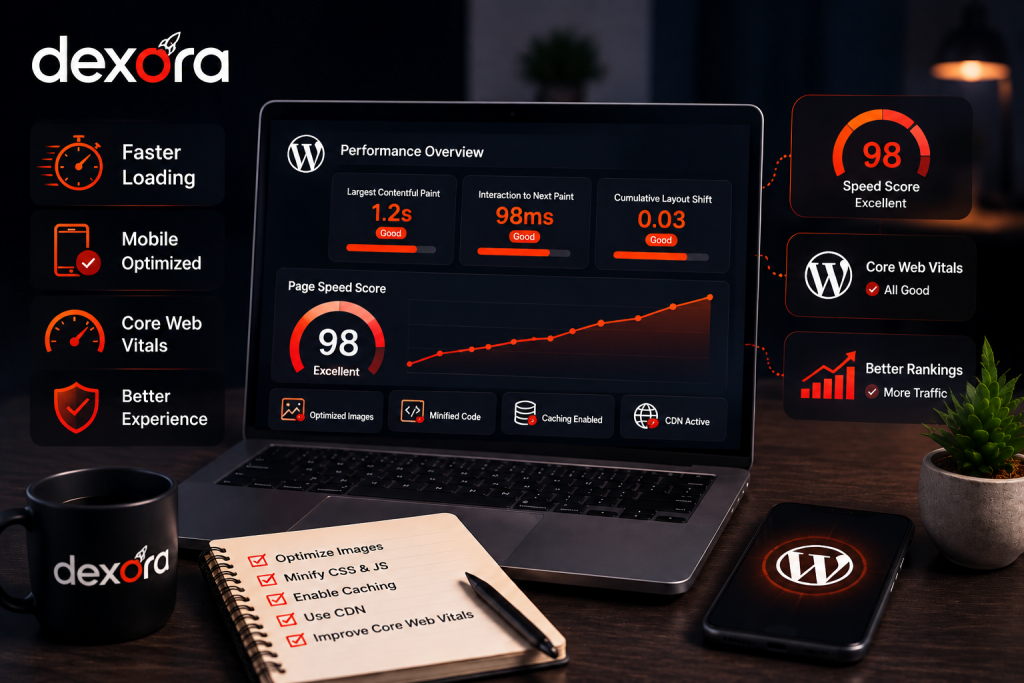
Website performance matters because visitors need to access important information quickly, particularly on mobile devices.
Core Web Vitals focus on loading performance, responsiveness and visual stability through LCP, INP and CLS.
Measure Before Changing
Do not install multiple optimisation plugins simply because a PageSpeed score is low.
First identify the actual bottleneck.
Common problems include:
- oversized images
- slow hosting
- excessive JavaScript
- third-party scripts
- render-blocking resources
- heavy themes
- unnecessary plugins
- inefficient caching
- poorly configured fonts
Optimise Large Images
The primary hero image is often one of the largest elements on a business page.
Serve it at an appropriate size and format rather than loading a huge original image when the displayed version is much smaller.
At the same time, do not automatically lazy-load the primary above-the-fold image if doing so delays the main visual and harms LCP.
Control Plugin Bloat
Plugins can provide useful functionality, but unnecessary plugins increase maintenance, security and performance overhead.
Review installed plugins regularly.If a plugin is no longer needed, remove it rather than leaving it deactivated indefinitely.
Test Mobile Experience
Google primarily uses the mobile version of websites for indexing.Make sure mobile users can access the same important content, headings, links and structured data as desktop users.
A website that looks excellent on desktop but creates friction on mobile is not fully optimised.
WordPress URL Structure and Internal Linking
Internal linking is one of the most valuable parts of a WordPress SEO strategy because it connects individual pages into a logical website structure.
It helps users discover related information and helps search engines understand relationships between pages.
Keep URLs Simple
Good URLs should be:
- descriptive
- short
- stable
- lowercase
- easy to understand
The planned URL /blog/wordpress-seo-finland/ clearly communicates the article topic.
Connect Blog Content With Service Pages
A blog should not operate as a collection of isolated articles.
Someone researching WordPress SEO may eventually need technical optimisation, content improvements or an ongoing SEO campaign.
That creates a natural relationship between educational content and commercial service pages.
Use Related Articles Where They Actually Help
Internal blog links should answer the next logical question.For example, a reader who is learning about technical WordPress problems may need a deeper audit framework. A reader researching local WordPress SEO may need information about local search. A reader exploring AI search may need to understand how traditional SEO connects with generative search.
The link should therefore be based on context, not simply on the presence of the word “SEO.”
Avoid Orphan Pages
Important service pages should receive contextual internal links from relevant content.Important articles should also connect with related articles within the same topic cluster.
This produces a stronger architecture than relying only on the main navigation.
Schema and Structured Data for WordPress
Structured data helps search engines understand certain types of information and relationships on a page.
It does not guarantee rankings or rich results, but accurate implementation can improve machine understanding.
Choose Schema Based on the Page
Depending on the website, relevant schema types can include:
- Organization
- LocalBusiness
- Service
- Article
- BlogPosting
- BreadcrumbList
- Product
- FAQPage where appropriate
Do not add schema simply because a plugin makes an option available.
The structured data should accurately represent visible information on the page.
Keep Business Information Consistent
For Finnish businesses, important company information should remain consistent across the website and relevant external profiles.
Check:
- business name
- address
- phone number
- website
- opening hours
- services
For businesses targeting customers in particular Finnish cities, local SEO becomes an important extension of the WordPress strategy.
Dexora’s verified Local SEO in Finland guide explains the wider relationship between website optimisation, Google Maps, Business Profile, reviews and local visibility.
Validate Structured Data
Plugin-generated structured data should still be reviewed.Check for incorrect properties, duplicate schema, missing information and data that does not match what visitors can actually see.
Automatic implementation should always be validated.
WordPress Content Strategy for Finnish Businesses
WordPress makes publishing easy, but publishing more articles does not automatically create more organic growth.
Content should be connected to actual customer questions and commercial priorities.
Build Content Around Services
Start with the services or products that generate revenue.Identify the questions customers ask before choosing those services.
Then build commercial service pages for high-intent searches and supporting articles for narrower informational queries.
This gives the content strategy a direct relationship with business goals.
Write for the Actual Finnish Audience
Some Finnish businesses primarily serve Finnish-speaking customers. Others target English-speaking customers or international companies operating in Finland.
Language should follow the real audience.Do not simply translate every English article word-for-word and assume the result is naturally optimised for Finnish search behaviour.
Add Genuine Expertise
Generic AI-generated articles are easy to reproduce.
A stronger WordPress content strategy includes:
- practical examples
- original observations
- expert explanations
- relevant data
- implementation guidance
- clear authorship
- useful recommendations
The purpose should be to help the reader solve a genuine problem, not simply increase the number of indexed pages.
WordPress SEO for Finnish Local Businesses
WordPress SEO becomes more location-focused when a business depends on customers in a specific Finnish market.
The website should communicate genuine service areas without creating dozens of near-identical city pages.
Make Service Areas Clear
Explain where the company actually operates.This information should agree with the company’s real operations and other business profiles.
Create Location Pages Only When Justified
A location page can be valuable when the business genuinely serves that market and can provide meaningful information specific to it.Changing only the city name is not enough.
A useful location page should explain something about the market, customer needs, service coverage or business experience.
Connect Local Content With Services
Location pages should connect naturally to relevant commercial services.Supporting articles can then explain narrower topics and link to the appropriate service or location page.
For example, Dexora’s verified Local SEO Oulu checklist demonstrates how city-specific content can focus on actual local search intent rather than simply replacing a city name in a generic template.
Google Business Profile and WordPress Local SEO
A WordPress website and Google Business Profile should support the same factual business information.
For eligible local businesses, Google Business Profile can help customers discover services through Google Search and Maps.
Keep Business Information Accurate
Business name, category, services, contact details, opening hours and location information should accurately represent the real company.
The website should reinforce the same information rather than presenting conflicting details.
Build Local Trust
Reviews, relevant mentions, website authority and consistent business information can support the broader local search presence.
Dexora’s verified Google Business Profile optimization guide for Finland can be used as a supporting resource when reviewing the local side of a WordPress SEO campaign.
Prepare WordPress Content for AI Search
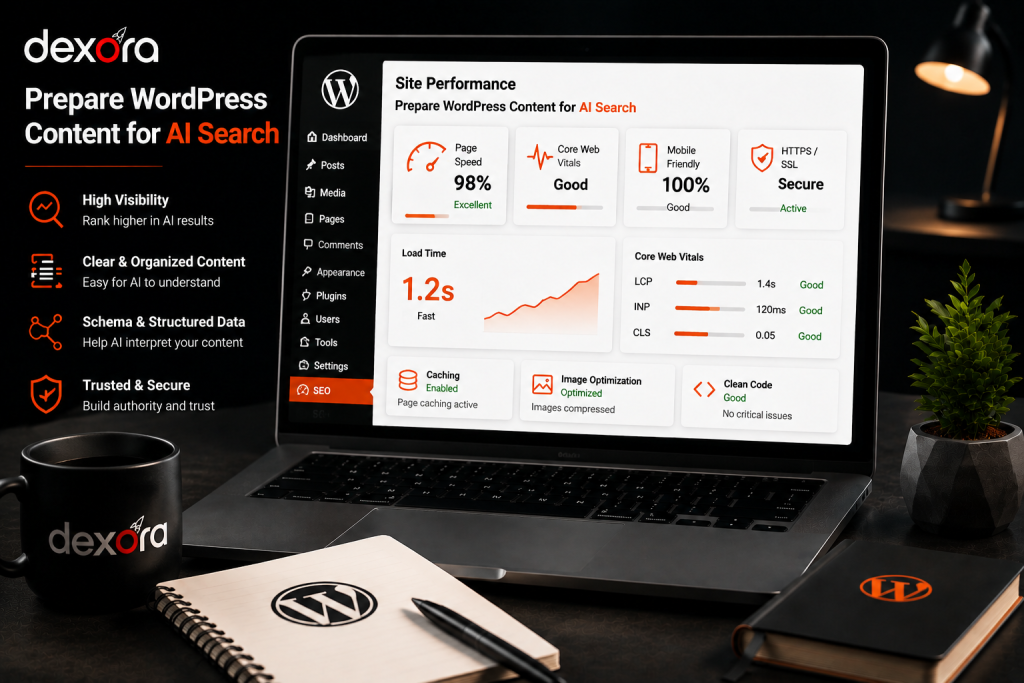
AI-assisted search does not mean abandoning traditional SEO.Google’s current guidance for AI Overviews and AI Mode continues to emphasise the same foundational SEO practices: pages should be accessible, indexable, useful and supported by quality signals.
Answer Questions Clearly
Use descriptive headings, direct explanations, useful examples and logical sections.This makes content easier for people to scan and easier for search systems to understand.
Dexora’s verified Google AI Overviews optimisation guide explains how Google’s current AI-search guidance connects with established SEO fundamentals.
Build Original Information
Generic explanations are easy for competitors to reproduce.Useful WordPress content should include practical implementation advice, original examples, expert experience and information that helps the reader make a decision.
Connect AI Search With the Existing SEO Strategy
AI visibility should not become a disconnected project.Technical accessibility, useful content, internal links, entity clarity and authority still matter across search environments.
For businesses wanting to investigate this area more deeply, Dexora’s verified AI Visibility Audit covers AI-search discoverability, citations, prompts, entities and crawler accessibility.
Measure WordPress SEO by Business Results
SEO should not be judged only by an SEO plugin score or one keyword position.
The real question is whether organic visibility creates useful business activity.
Monitor Search Console
Track:
- impressions
- clicks
- CTR
- search queries
- landing pages
- indexing
- Core Web Vitals
Look for trends rather than expecting every keyword to move every week.
Track Conversions
For service businesses, meaningful conversions can include:
- contact forms
- phone calls
- consultation requests
- quote requests
- bookings
For ecommerce websites, track purchases and revenue.
A page generating 100 highly qualified visitors can be more valuable than a page generating 1,000 visitors with no commercial outcome.
Review Performance by Page Type
Analyse performance separately for:
- service pages
- blog posts
- location pages
- category pages
- product pages
This makes it easier to identify whether the main problem is technical SEO, content quality, search intent or conversion experience.
When the cause is unclear, Dexora’s verified professional SEO audit guide explains the broader process of investigating why a website performs the way it does in organic search.
WordPress SEO Checklist for 2026
Use this checklist when launching, rebuilding or reviewing a WordPress website.
Technical Checklist
- Check HTTPS.
- Confirm WordPress search visibility settings.
- Use clean permalinks.
- Review the XML sitemap.
- Check robots.txt.
- Verify canonical tags.
- Review redirects.
- Find broken links.
- Check indexation.
- Test Core Web Vitals.
- Test mobile rendering.
- Review structured data.
- Remove unnecessary plugins.
- Check important CSS and JavaScript resources.
On-Page Checklist
- Give every important page a unique title.
- Write a useful meta description.
- Use one clear H1.
- Organise H2 and H3 headings logically.
- Match content to search intent.
- Use natural keyword variations.
- Optimise important images.
- Write useful alt text where appropriate.
- Add contextual internal links.
- Review thin content.
- Check duplicate topics.
- Add clear calls to action.
Business and Measurement Checklist
- Connect Search Console.
- Connect analytics.
- Configure conversion tracking.
- Identify priority service pages.
- Map keywords to URLs.
- Review competitors.
- Build a supporting content plan.
- Monitor organic performance.
- Review technical health regularly.
- Update important pages when information changes.
Frequently Asked Questions About WordPress SEO Finland
What is WordPress SEO Finland?
WordPress SEO Finland means optimising a WordPress website for relevant Finnish searches through technical SEO, on-page content, internal linking, performance, local relevance and conversion-focused website improvements.
Is WordPress good for SEO?
Yes. WordPress provides strong SEO flexibility, but it is not automatically optimised. Themes, plugins, hosting, configuration, content quality and ongoing maintenance determine final search performance.
Which WordPress SEO plugin should I use?
Yoast SEO and Rank Math are established options. The important point is to use one properly configured SEO plugin rather than several overlapping tools that can create conflicting metadata or technical settings.
Does WordPress automatically create an XML sitemap?
Modern WordPress versions provide a basic XML sitemap, while SEO plugins can provide additional controls. The sitemap should still be reviewed to ensure important URLs are included and unnecessary pages are excluded.
Does WordPress speed affect SEO?
Website performance affects user experience and can influence search performance. Core Web Vitals measure loading, responsiveness and visual stability, making speed an important part of technical WordPress SEO.
Should I use Yoast and Rank Math together?
No. Using multiple plugins for the same SEO functions can create conflicts. Choose one primary SEO plugin and configure its metadata, sitemap, canonical and indexing features consistently.
How often should a WordPress website receive an SEO review?
Active websites should be monitored regularly, while deeper reviews are particularly useful after redesigns, migrations, major plugin changes, URL changes or significant organic traffic fluctuations.
Should every WordPress page be indexed?
No. Important pages should generally be indexable, while duplicate, thin or low-value pages may require appropriate noindex, canonical or structural controls depending on their purpose.
How important are internal links for WordPress SEO?
Internal links help users and search engines discover related content and understand website hierarchy. They are particularly useful for connecting supporting blog articles with commercially important service pages.
Does WordPress need schema markup?
Schema is not mandatory for every page, but accurate structured data can help search engines understand entities and page types. Only use schema that accurately represents information visible on the page.
Is Finnish content better for Finnish SEO?
For businesses targeting Finnish-speaking customers, high-quality Finnish content usually provides stronger relevance than awkward translated copy. Language should reflect the actual audience and search behaviour.
Can AI-written WordPress content rank?
AI-assisted content can perform when it is accurate, useful and original. Publishing large amounts of generic AI content without expert review, evidence or genuine value is unlikely to provide sustainable competitive advantage.
Check Your WordPress Website With a Professional SEO Audit
A WordPress website can look perfectly functional while still having serious SEO problems involving indexing, technical configuration, speed, content targeting or internal linking.
A professional audit helps identify those issues and prioritise the changes that are most likely to matter rather than fixing random plugin warnings one at a time.
If you want Dexora Digital to review your WordPress website, contact Dexora Digital and request a free SEO audit.
Get your WordPress website audited, identify the highest-impact issues, and build a stronger foundation for organic growth.